

Understand and choose sources
A source tells Airlead where incoming data comes from, how to interpret it, and which rules to apply before it enters a channel or list.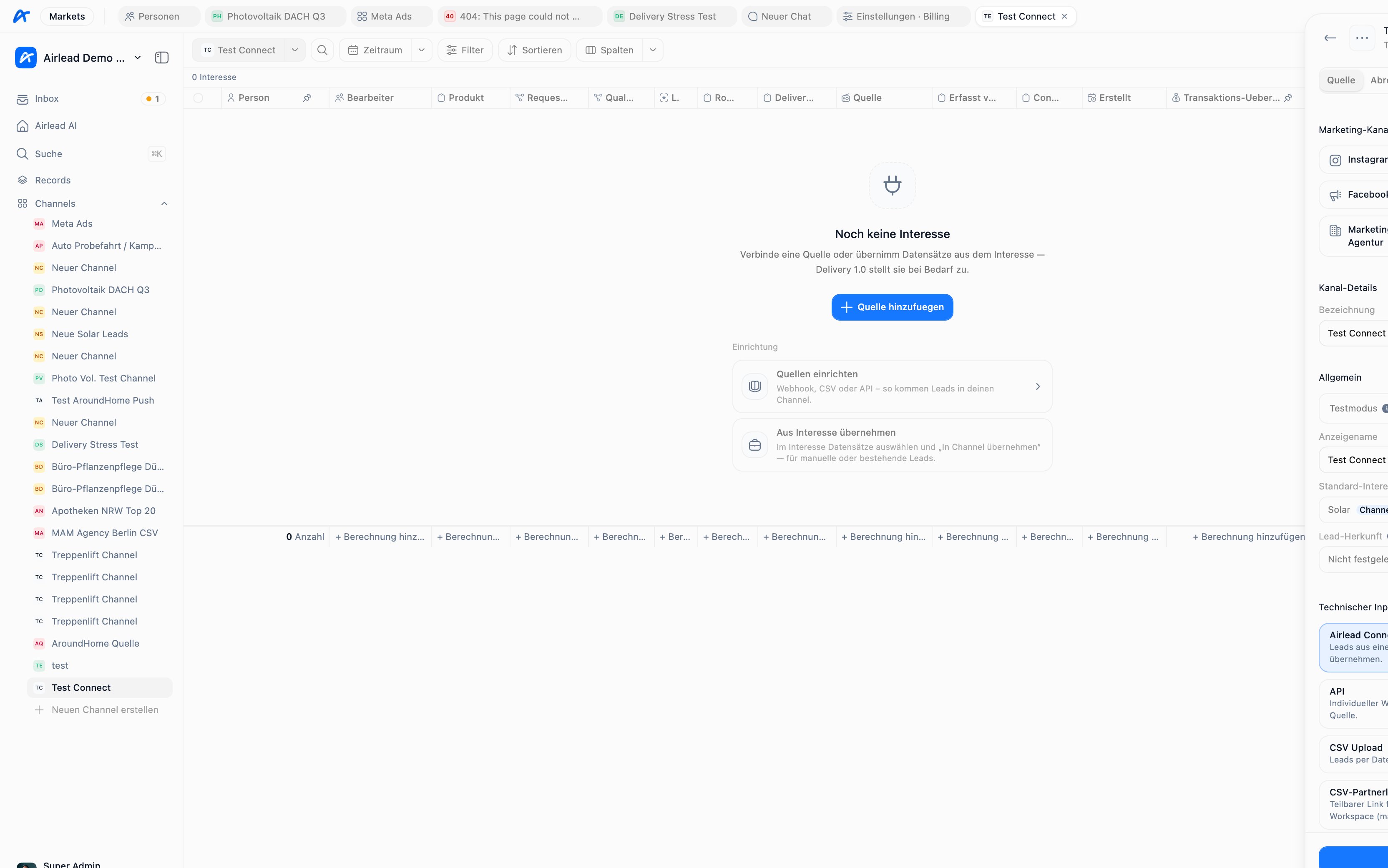
Choose a source type
What a source controls
Depending on its type and configuration, a source can control:- target channel or list
- product and field mapping
- required contact fields
- consent and capture metadata
- geographic and time restrictions
- volume caps
- duplicate matching and warn/reject behavior
- test or live operation
- webhook authentication
Connect source via webhook
For API sources, Airlead includes a guided Technik setup:- Verbinden — copy the test URL and optional secret
- Sample — receive partner JSON
- Zuordnen — map fields, including automatic mapping
- Live — publish and switch to production
Map incoming fields
A webhook mapping translates partner field names into Airlead data.Test before live traffic
Use test mode while validating mappings and rules. A complete test should verify:- person fields
- interest product and values
- consent information
- external ID
- duplicate behavior
- expected source and channel placement
- no unintended delivery
Protect webhook sources
If a source secret is configured, requests must use either:Prevent duplicates
Use both:- a stable
externalIdfor idempotent retries - source duplicate rules for matching by email or phone