

Airlead AI
Airlead AI helps operators understand workspace data, prepare changes, and automate eligible delivery according to existing channel and buyer rules.Ask with the right context
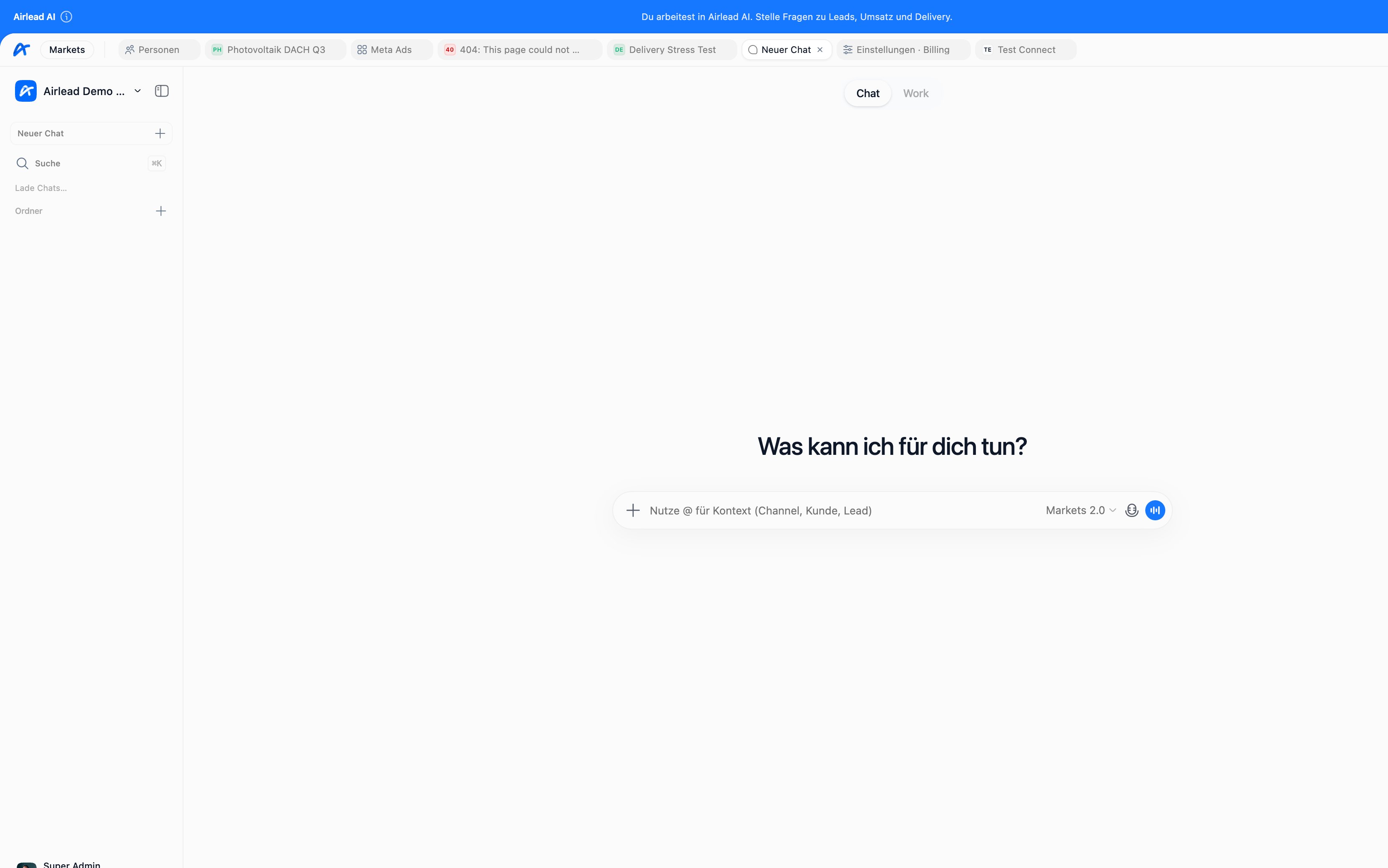
Use@ in the composer to attach a channel, buyer, or lead. This gives Airlead AI the specific context needed to explain a status or prepare a useful action.
- Why is this interest not eligible for the expected buyer?
- Which product fields are missing?
- What changed in this channel’s criteria?
- Summarize the delivery history of this interest.
- Prepare a buyer or channel change for review.
Review changes before applying them
Your role determines whether you can only inspect information or also approve changes. Review every proposed change, especially when it affects criteria, prices, capacity, historical interests, or delivery. Airlead AI does not replace source authentication, consent checks, partnership terms, or operator accountability.Delivery 1.0
Delivery 1.0 is Airlead AI’s automated delivery module. It evaluates routing-ready interests and continues to respect channel, pool, buyer, criteria, capacity, delivery-policy, plan, and usage settings. Complete one synthetic manual delivery before enabling it. See Manual delivery and Delivery 1.0.Safety and privacy
- Do not paste webhook, Connect, or account secrets into chat.
- Attach only the workspace context needed for the task.
- Verify generated summaries against the underlying record and transaction history.
- Require human review for commercially significant changes.
- Check workspace AI usage if an action is unavailable after heavy use.