

Plans & settlements
Plans
Your workspace plan determines available capabilities and usage limits. Markets and Company Platform are packaged differently because they support different roles in the lead process. Check the current plan page for:- included lead or record volume
- members or seats
- Airlead AI usage
- buyer pools and routing capabilities
- governance and support options
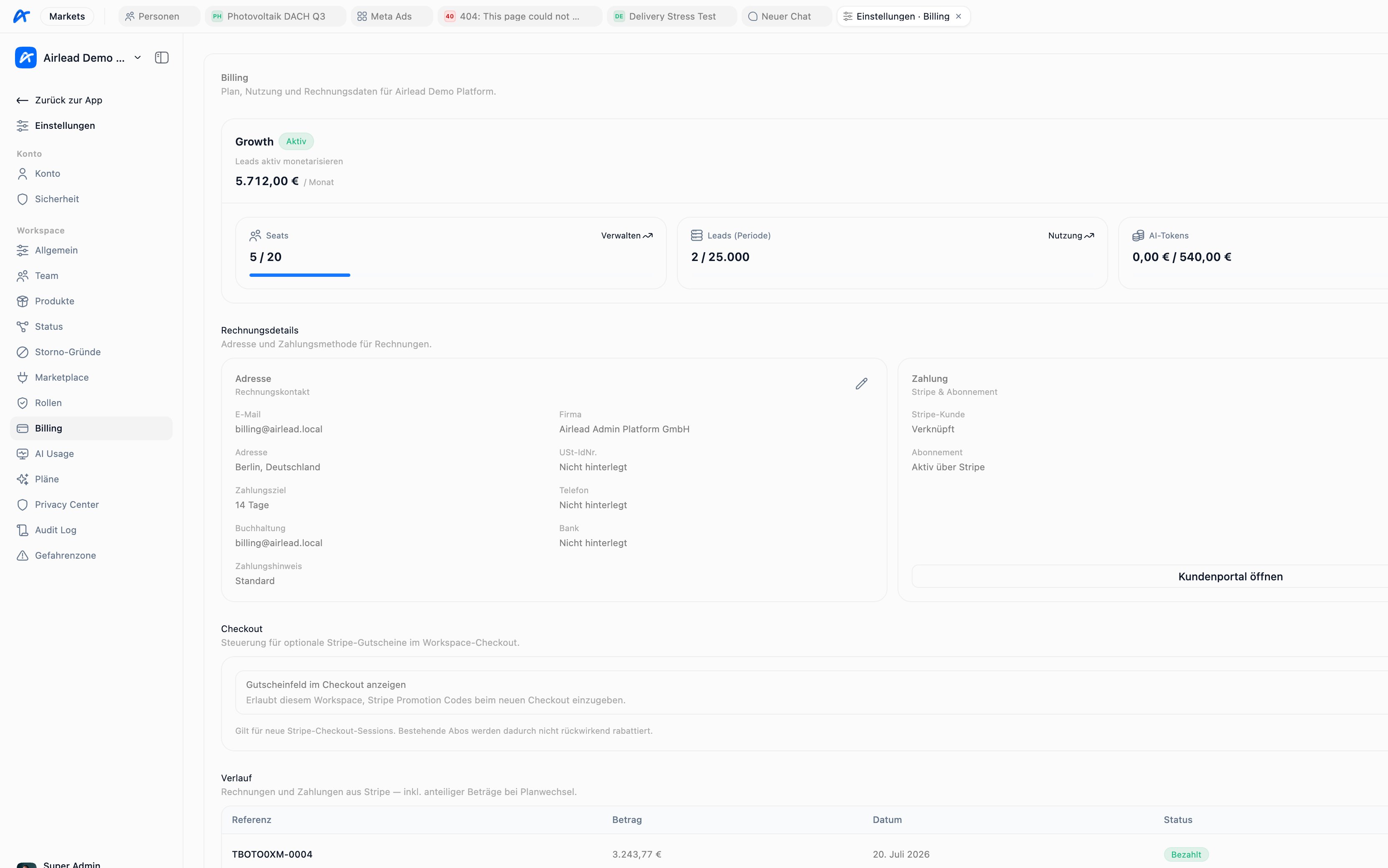
Two different billing surfaces
Do not confuse:
Workspace billing answers “what do we owe Airlead?” Settlements answer “what do we owe or expect from buyers and sources?”
Settlements
A settlement reconciles billable transaction activity between commercial parties for a defined period. In Markets, settlements are commonly reviewed as:- Kunden (AR) — amounts related to buyers
- Quellen (AP) — amounts related to sources or suppliers
- Belege — documents generated for the period
- Transaktionen — the underlying delivery records
- Channels — activity grouped by distribution setup
Review a settlement period
- Open Abrechnungen.
- Select the counterparty and period.
- Confirm whether you are reviewing buyer-side (AR) or source-side (AP) totals.
- Compare the included transactions with their current states.
- Review buyer price, supplier cost, margin, and Storno events.
- Resolve disputed outcomes before finalizing documents.
- Keep the settlement with the transaction export or audit trail.
Why transaction totals can differ
Common causes include:- a different settlement period
- transactions not yet in a billable state
- Storno recorded after an earlier review
- commercial values changed before finalization
- filters or counterparties not matching
- exclusive vs multi deliveries counted differently than expected
Practical checklist before closing a period
- Period start and end are correct
- Buyer and source counterparties are correct
- Open confirmations and Storno cases are resolved
- Test leads are excluded
- Prices and costs match the agreed terms
- Document recipients and payment references are correct