

Buyers, pools & field criteria
The channel Output area defines who may receive an interest and under which conditions.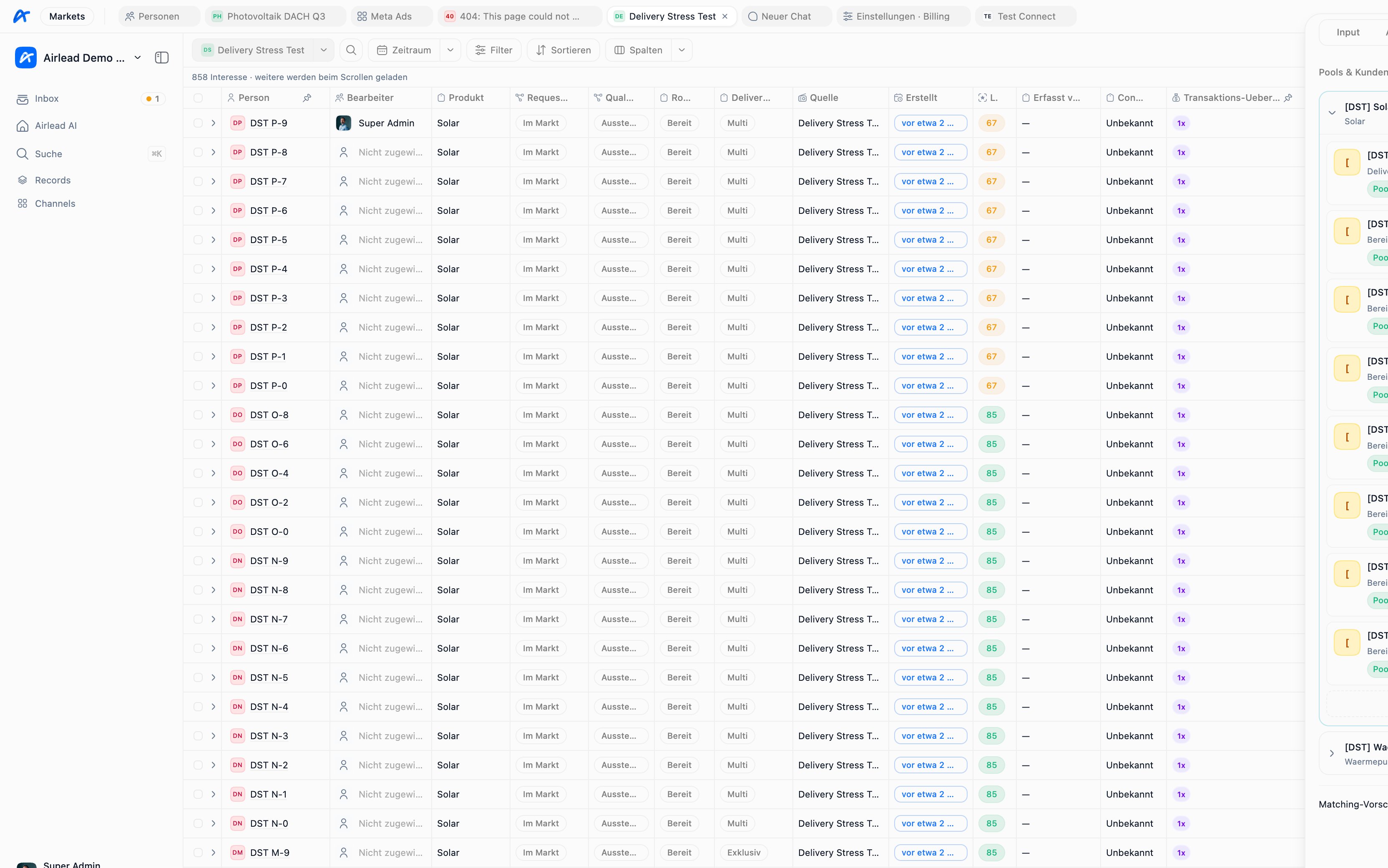
Buyer
A buyer is a commercial recipient of leads. Its configuration can include:- delivery destination
- supported products
- field criteria
- commercial terms and prices
- capacity and delivery limits
- confirmation and Storno integration
- activation and Airlead AI settings
Pools
Pools group buyers that participate in a routing setup. A channel can link to one or more pools, and pool access is one layer of buyer eligibility. Use separate pools when groups need different product scope, priority, commercial treatment, or operating rules. Do not create a pool only to rename one buyer.Field criteria
Field criteria compare an interest’s product values with the buyer’s requirements. Example:Eligibility is more than criteria
A matching criterion does not guarantee delivery. Airlead may also check:- buyer and channel activation
- pool and channel connection
- product compatibility
- daily or total capacity
- exclusive or multi-delivery slots
- whether this buyer already received the interest
- delivery destination health
- Delivery 1.0, plan, and usage settings for automated delivery
Recommended setup
- Create the buyer and configure its destination.
- Set commercial values and supported products.
- Attach the buyer to the intended pool and channel.
- Add the smallest useful set of field criteria.
- Create a synthetic interest with known values.
- Inspect why the buyer is or is not eligible.
- Complete one manual delivery.
- Enable Delivery 1.0 only after the path is proven.
Changing criteria safely
Changing criteria can affect both new and existing interests. Before accepting a suggestion or reconsidering historical records:- Review which field and values changed.
- Estimate how many existing interests now match.
- Confirm remaining delivery slots and commercial expectations.
- Avoid sending a historical interest to the same buyer twice.
- Record the reason for any retroactive delivery.