> ## Documentation Index
> Fetch the complete documentation index at: https://docs.airlead.de/llms.txt
> Use this file to discover all available pages before exploring further.
# Understand and choose sources
> Choose how leads enter Airlead and configure mapping, authentication, testing, and duplicate protection.
# Understand and choose sources
A source tells Airlead where incoming data comes from, how to interpret it, and which rules to apply before it enters a channel or list.
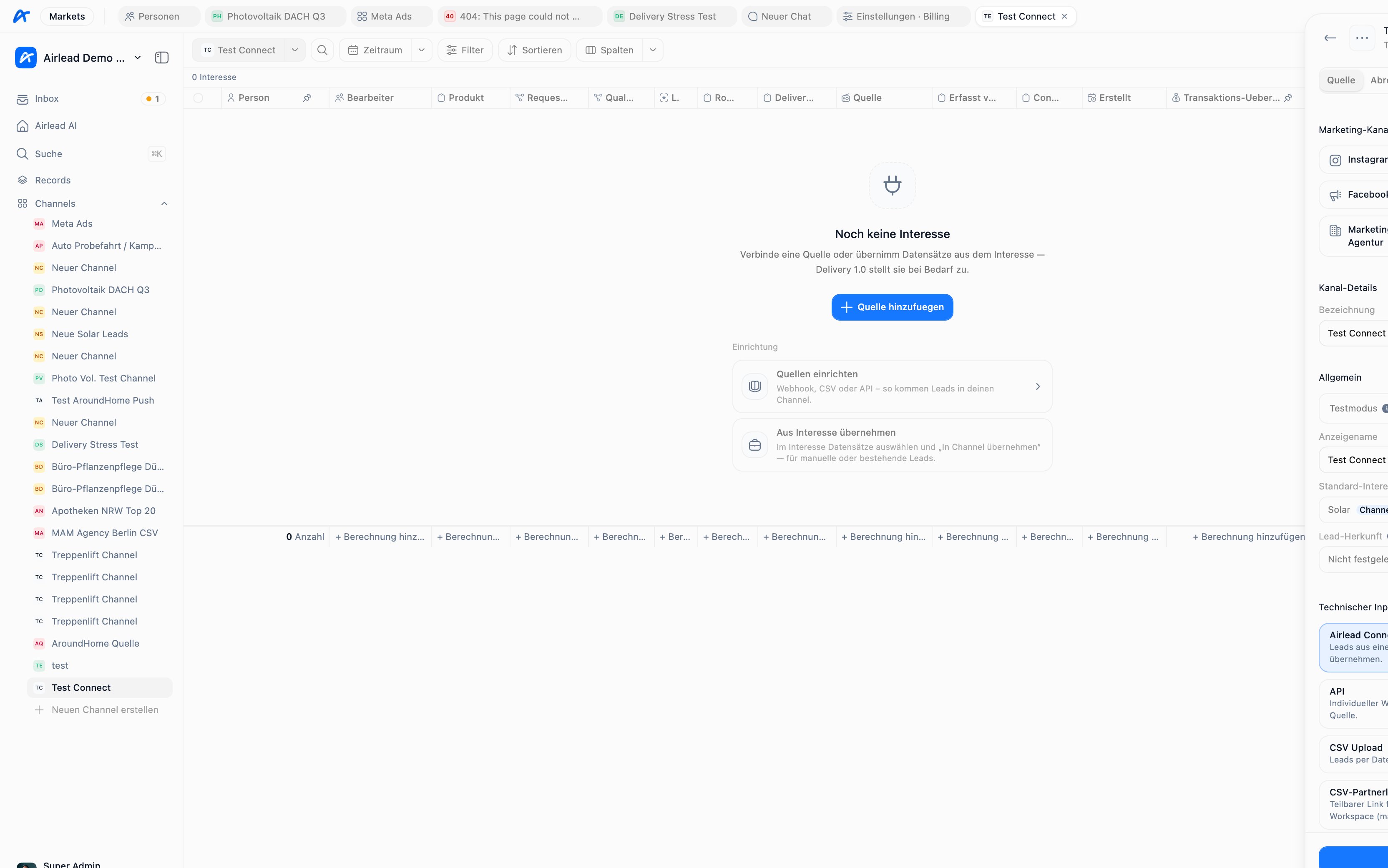 ## Choose a source type
| Source | Best for | Consider |
| --------------------- | --------------------------------------------------------------------- | ---------------------------------------------------------- |
| **Webhook** | Recurring, structured system-to-system traffic without Make or Zapier | Requires field mapping, authentication, and retry handling |
| **CSV / upload link** | One-off imports or partners who exchange files | See [CSV / upload](/guides/lead-capture/csv-upload) |
| **Email** | Supported lead emails from systems without webhooks | See [Email capture](/guides/lead-capture/email-capture) |
| **Connect** | Receiving from another Airlead workspace | Requires an endpoint, partnership, terms, and mapping |
| **Manual** | Testing or low-volume operator entry | Not suitable for repeatable high-volume supply |
## What a source controls
Depending on its type and configuration, a source can control:
* target channel or list
* product and field mapping
* required contact fields
* consent and capture metadata
* geographic and time restrictions
* volume caps
* duplicate matching and warn/reject behavior
* test or live operation
* webhook authentication
## Connect source via webhook
For API sources, Airlead includes a guided **Technik** setup:
1. **Verbinden** — copy the test URL and optional secret
2. **Sample** — receive partner JSON
3. **Zuordnen** — map fields, including automatic mapping
4. **Live** — publish and switch to production
This is the path that lets a website or CRM send leads into Airlead without Make or Zapier.
Follow the full walkthrough: [Connect source via webhook](/guides/lead-capture/webhook-setup).
## Map incoming fields
A webhook mapping translates partner field names into Airlead data.
```text theme={null}
customer.email → person.email
request.postcode → person.postalCode
answers.roof_type → interest.fieldValues.roof_type
```
Until a mapping is published, an API source expects Airlead's native ingest schema.
## Test before live traffic
Use test mode while validating mappings and rules. A complete test should verify:
* person fields
* interest product and values
* consent information
* external ID
* duplicate behavior
* expected source and channel placement
* no unintended delivery
## Protect webhook sources
If a source secret is configured, requests must use either:
```http theme={null}
X-Airlead-Webhook-Secret:
```
or:
```http theme={null}
Authorization: Bearer
```
If no source secret is configured, the webhook accepts requests without that credential. Always configure one for production.
## Prevent duplicates
Use both:
* a stable `externalId` for idempotent retries
* source duplicate rules for matching by email or phone
See [Prevent duplicate leads](/guides/lead-capture/deduplication) before importing production data.
## Common questions
### Should I use CSV or a webhook?
Use CSV for controlled files and initial migration. Use a webhook when another system sends leads continuously and can provide stable identifiers and structured data.
### Why did the source accept data but no buyer received it?
Ingest and delivery are separate. First verify the person and interest, then check routing readiness and buyer eligibility in the channel.
### Why are mapped values missing?
The partner payload may have changed, the published mapping may point to a different path, or the product field may not exist. Compare a current sample with the mapping preview.
Next: [Connect source via webhook](/guides/lead-capture/webhook-setup) · [Prevent duplicates](/guides/lead-capture/deduplication) · [Troubleshoot a delivery](/guides/troubleshooting/delivery)
## Choose a source type
| Source | Best for | Consider |
| --------------------- | --------------------------------------------------------------------- | ---------------------------------------------------------- |
| **Webhook** | Recurring, structured system-to-system traffic without Make or Zapier | Requires field mapping, authentication, and retry handling |
| **CSV / upload link** | One-off imports or partners who exchange files | See [CSV / upload](/guides/lead-capture/csv-upload) |
| **Email** | Supported lead emails from systems without webhooks | See [Email capture](/guides/lead-capture/email-capture) |
| **Connect** | Receiving from another Airlead workspace | Requires an endpoint, partnership, terms, and mapping |
| **Manual** | Testing or low-volume operator entry | Not suitable for repeatable high-volume supply |
## What a source controls
Depending on its type and configuration, a source can control:
* target channel or list
* product and field mapping
* required contact fields
* consent and capture metadata
* geographic and time restrictions
* volume caps
* duplicate matching and warn/reject behavior
* test or live operation
* webhook authentication
## Connect source via webhook
For API sources, Airlead includes a guided **Technik** setup:
1. **Verbinden** — copy the test URL and optional secret
2. **Sample** — receive partner JSON
3. **Zuordnen** — map fields, including automatic mapping
4. **Live** — publish and switch to production
This is the path that lets a website or CRM send leads into Airlead without Make or Zapier.
Follow the full walkthrough: [Connect source via webhook](/guides/lead-capture/webhook-setup).
## Map incoming fields
A webhook mapping translates partner field names into Airlead data.
```text theme={null}
customer.email → person.email
request.postcode → person.postalCode
answers.roof_type → interest.fieldValues.roof_type
```
Until a mapping is published, an API source expects Airlead's native ingest schema.
## Test before live traffic
Use test mode while validating mappings and rules. A complete test should verify:
* person fields
* interest product and values
* consent information
* external ID
* duplicate behavior
* expected source and channel placement
* no unintended delivery
## Protect webhook sources
If a source secret is configured, requests must use either:
```http theme={null}
X-Airlead-Webhook-Secret:
```
or:
```http theme={null}
Authorization: Bearer
```
If no source secret is configured, the webhook accepts requests without that credential. Always configure one for production.
## Prevent duplicates
Use both:
* a stable `externalId` for idempotent retries
* source duplicate rules for matching by email or phone
See [Prevent duplicate leads](/guides/lead-capture/deduplication) before importing production data.
## Common questions
### Should I use CSV or a webhook?
Use CSV for controlled files and initial migration. Use a webhook when another system sends leads continuously and can provide stable identifiers and structured data.
### Why did the source accept data but no buyer received it?
Ingest and delivery are separate. First verify the person and interest, then check routing readiness and buyer eligibility in the channel.
### Why are mapped values missing?
The partner payload may have changed, the published mapping may point to a different path, or the product field may not exist. Compare a current sample with the mapping preview.
Next: [Connect source via webhook](/guides/lead-capture/webhook-setup) · [Prevent duplicates](/guides/lead-capture/deduplication) · [Troubleshoot a delivery](/guides/troubleshooting/delivery)